VisionCraft AI: Turning One Idea Into a Prompt You Can Actually Use
A dark, focused prompt studio for creators — you describe a video or image idea in a sentence or two, and VisionCraft AI hands back a polished, model-ready prompt without you ever needing to learn how to talk to an AI generator.
- The question
- A single, focused screen with no landing page — one idea input for video and image prompts, producing distinct results per model tier, with character limit, orientation, and style controls.
- Stack & tools
- React 18, Vite, Tailwind CSS, shadcn/ui, Radix UI, lucide-react, React Router, React Query, framer-motion, Base44 (auth, hosting, serverless functions), Base44 InvokeLLM (automatic model)
- What I found
- The finished tool turns a rough idea into a ready-to-paste prompt in seconds, matched to the chosen model tier. Switching modes or flows never once loses your place or work.
I kept running into the same small annoyance over and over: I'd have a clear picture of a video or image in my head, but turning that picture into words a generator could actually follow was its own separate skill. Write too little and you get something generic. Write too much and the model loses the thread. And every tool wants that description phrased slightly differently. I didn't want to keep relearning that translation every time I switched tools — I wanted to describe the idea once and let something else worry about the phrasing.
So the first version stayed narrow on purpose. One box to describe your idea, a handful of settings that actually mattered — how long the prompt could run, whether the video would be horizontal or vertical, what visual style to lean into — and one button. Nothing else. It's tempting to build everything you can imagine on day one, but I wanted to know the core idea worked before I let myself add anything on top of it.
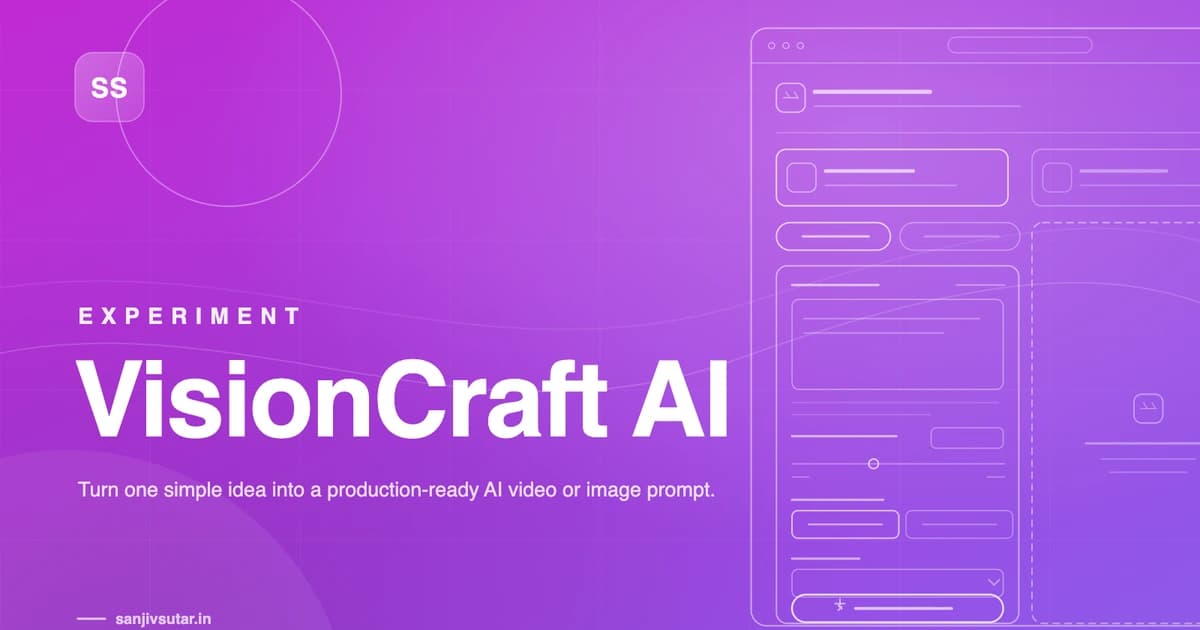
The interface came together as two halves sitting side by side: your idea and your settings on the left, the result on the right, with a calm empty state before anything's been generated so the page never feels unfinished. I spent more time than I expected on that empty panel — it needed to explain what was about to happen without turning into instructional copy nobody reads. "Your optimized prompts will appear here" plus one line about what to expect ended up doing the job better than anything longer.
Once the core flow felt solid, I started layering in the things people actually asked for. A Random Idea button for the moments you stare at a blank textarea and nothing comes. A Guided Builder for people who'd rather answer a few short questions than write freeform. And eventually a second content type entirely — Image Prompts sitting right next to Video Prompts at the top of the workspace, so switching between "I want a video" and "I want a still image" is one click instead of a different app. Each of those additions had to earn its place without disturbing what already worked, which meant a lot of testing the old paths every time a new one went in.
The part that took the longest to get right wasn't visible in the interface at all — it was making sure the character limit never cut a sentence off mid-thought. Early on, a tight limit would just chop text at the edge, and it looked exactly as broken as it sounds. The fix was treating that number as something to write toward, not a wall to slam into — so a 300-character prompt and a 3,000-character prompt both read like something written on purpose, not trimmed after the fact.
If there's one thing that shaped every decision along the way, it's that the output had to be usable exactly as it came out — no cleanup, no rewriting, no "here's your prompt" framing to delete before you could use it. The moment I stopped thinking of this as an interface for a chatbot and started thinking of it as a tool that hands you a finished object, the whole thing got a lot easier to design.
Gallery
Platforms I've helped build for










Kind words
Don't just take my word for it
Notes from teammates and client stakeholders I've worked alongside.
Had the pleasure of working closely with Sanjiv, and he is an exceptional leader who seamlessly bridges high-level strategy with deep technical execution.
Sanjiv excels in technical problem-solving—when complex, high-stakes engineering or architectural challenges arise, he is the person you want in the room. He approaches problems analytically, quickly getting to the root cause and devising elegant, scalable solutions.
Beyond his technical acumen, Sanjiv is a standout leader in solution delivery and team management. He has a proven ability to align cross-functional teams, streamline processes, and keep project milestones on track without sacrificing quality. His clear communication, structured approach, and genuine investment in supporting team members make him a trusted partner and a pillar on any team.
I highly recommend Sanjiv to any organization looking for a strong technical strategist and reliable leader who consistently delivers results.

Aman Kumar Sinha(LinkedIn profile, opens in a new tab)
Senior Product Manager at Merkle Sokrati · Oct 2026