Wallery: A Weekend Idea to Preview Any Painting on Your Wall, Without Uploading a Single Photo
A browser-only tool I built to answer one annoying question — "will this painting actually look right on my wall?" — without ever uploading your photos anywhere.
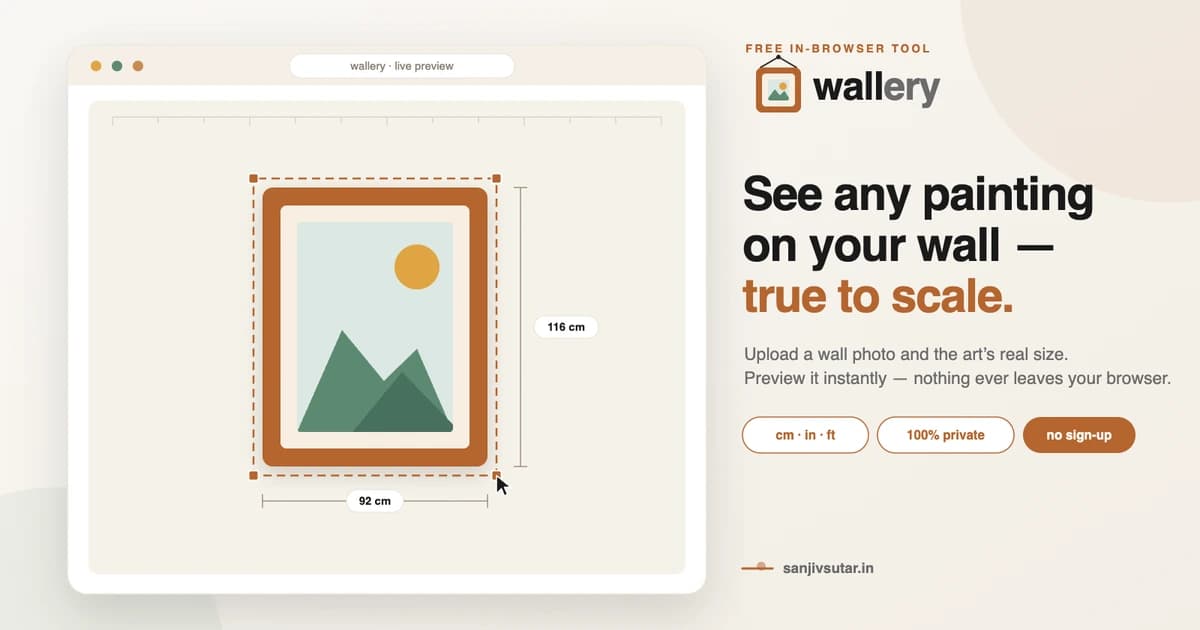
- The question
- Finding a painting online never showed how it would look on my actual wall. I wanted an instant, accurate, true-to-scale preview — no account, no waiting, no photos ever leaving the device.
- Stack & tools
- Next.js, React, TypeScript, Tailwind CSS, Canvas API, FileReader API
- What I found
- Wallery became a simple, fast tool showing exactly how a painting will look on your wall before you buy — no sign-up, no server, nothing about your home ever leaves your device.
The idea for Wallery came out of a fairly mundane Saturday. I'd been eyeing a painting from a small online shop for weeks, going back and forth on whether it would actually work above the sofa. I did the classic thing — printed out a piece of paper roughly the size of the painting and taped it to the wall — and it still didn't tell me anything about how the colors or style would actually read in the room. That evening I sat down and sketched out, on an actual notebook page, what a tool that solved this properly would need to do: two photos, two sets of measurements, and some way to combine them accurately.
I gave myself a few constraints before writing a single line of code, because I know from experience that if I don't set boundaries early, a "quick weekend project" quietly turns into a six-week rabbit hole. First, no backend — if I couldn't do the image compositing in the browser, the idea wasn't worth pursuing. Second, no third-party libraries for the actual image handling — I wanted to really understand every pixel operation happening to someone's photo, not just glue together a few npm packages and hope for the best. Third, it had to work properly on a phone, because realistically nobody's going to sit at a desktop to photograph their own living room wall.
The early wireframes were rough — literally boxes and arrows on paper, then translated into quick low-fidelity screens just to nail down the flow: upload the wall, enter its size, upload the painting, enter its size, preview, download. Simple enough on paper. The tricky part turned out to be the scaling math. It sounds trivial — divide the real-world size by the pixel size to get a scale factor — but getting it to feel accurate rather than just technically correct took a lot of fiddling. I had to account for photos taken at slightly different distances, handle orientation issues from phone cameras, and make sure the drag-to-reposition interaction didn't let people accidentally break the real-world scale without realizing it.
Building the canvas compositing logic by hand, without reaching for a library, was honestly the most satisfying and most frustrating part of the whole project. There were a few nights where I was staring at a painting rendering slightly warped or positioned a few pixels off from where I'd dragged it, tracing through coordinate transforms until I found the bug. But by the time it clicked into place — watching a photo of a painting snap cleanly onto a photo of my own wall, at the right size, with a soft shadow underneath making it look like it was actually hanging there — it felt like a genuine "yes, this is exactly what I wanted" moment.
From there it was a lot of the less glamorous but equally important work: making sure the wizard felt good on a small phone screen with one thumb, making sure dark mode didn't wash out the preview canvas, writing the copy for the landing page so it actually explained the tool in plain language instead of vague marketing-speak, and obsessing slightly too much over the logo — a little picture frame hanging from a nail, because I wanted the brand mark itself to say what the tool does before you even read the name.
The privacy angle wasn't an afterthought bolted on for a nice line in the FAQ — it shaped almost every technical decision along the way. Every time I was tempted to reach for a slightly easier approach that involved a server call, I talked myself out of it and found the client-side way instead. That constraint made the project genuinely harder to build, but it's also the thing I'm proudest of when people ask how it works: I get to say, honestly, that their photos never leave their device, because I never built a path for them to leave.
Wallery isn't trying to be a big product. It's a small, sharp tool built to solve one specific, slightly annoying problem I kept running into myself, and I think that's exactly why it turned out well — I was building it for a use case I actually had, testing it on my own walls and my own paintings, and only shipping something once it passed the test of "would I actually trust this before I buy a painting?"
Low-fidelity wireframe — the first flow sketch
Greyscale wireframe — upload step
Styled upload step — brand applied
Placement & preview step — painting on the wall
Final result screen — downloadable, watermarked
Platforms I've helped build for










Kind words
Don't just take my word for it
Notes from teammates and client stakeholders I've worked alongside.
Had the pleasure of working closely with Sanjiv, and he is an exceptional leader who seamlessly bridges high-level strategy with deep technical execution.
Sanjiv excels in technical problem-solving—when complex, high-stakes engineering or architectural challenges arise, he is the person you want in the room. He approaches problems analytically, quickly getting to the root cause and devising elegant, scalable solutions.
Beyond his technical acumen, Sanjiv is a standout leader in solution delivery and team management. He has a proven ability to align cross-functional teams, streamline processes, and keep project milestones on track without sacrificing quality. His clear communication, structured approach, and genuine investment in supporting team members make him a trusted partner and a pillar on any team.
I highly recommend Sanjiv to any organization looking for a strong technical strategist and reliable leader who consistently delivers results.

Aman Kumar Sinha(LinkedIn profile, opens in a new tab)
Senior Product Manager at Merkle Sokrati · Oct 2026