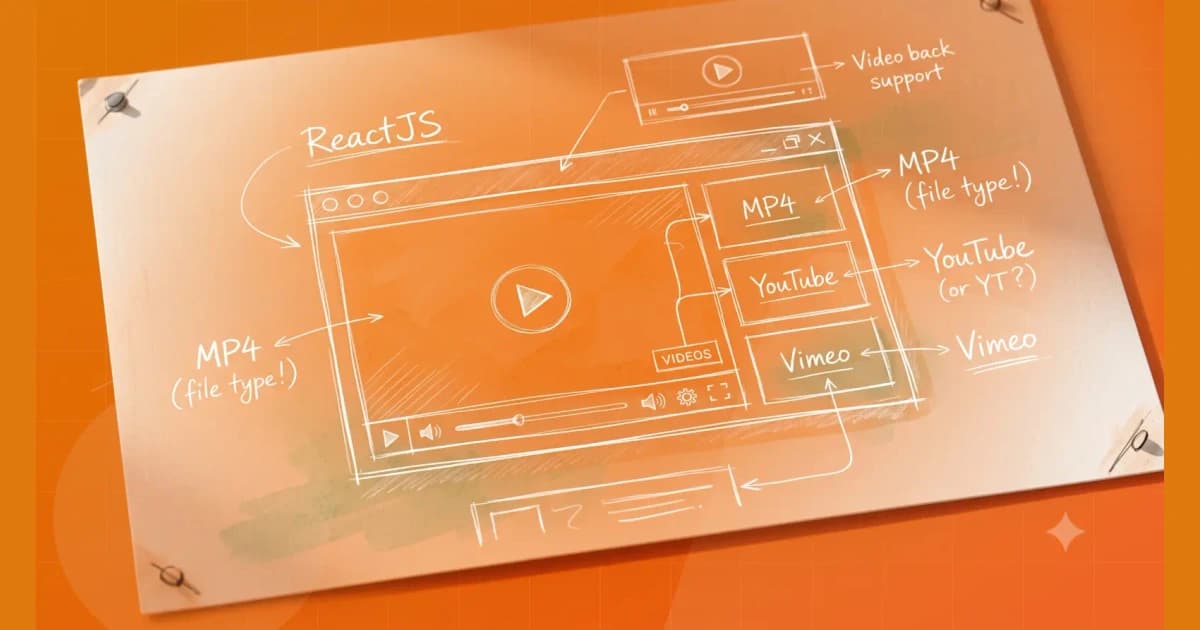
First, let’s install the library:
npm install react-player
Next, let’s create our video player component:
import React from 'react';
import ReactPlayer from 'react-player';

const VideoPlayer = ({ url }) => {
  const isYoutube = url.includes('youtube.com');
  const isVimeo = url.includes('vimeo.com');

  if (isYoutube) {
    const videoId = url.split('v=')[1];
    return (
      <ReactPlayer
        url={`https://www.youtube.com/watch?v=${videoId}`}
        width="100%"
        height="100%"
      />
    );
  }

  if (isVimeo) {
    const videoId = url.split('vimeo.com/')[1];
    return (
      <ReactPlayer
        url={`https://vimeo.com/${videoId}`}
        width="100%"
        height="100%"
      />
    );
  }

  return (
    <ReactPlayer
      url={url}
      controls
      width="100%"
      height="100%"
    />
  );
};

export default VideoPlayer;
Here’s how the component works:
- We start by checking if the URL contains “youtube.com” or “vimeo.com” to determine the type of video we’re playing.
- If it’s a YouTube video, we extract the video ID from the URL and pass it to the ReactPlayer component with the correct URL format.
- If it’s a Vimeo video, we do the same thing but with the Vimeo URL format.
- If it’s neither a YouTube nor Vimeo video, we just render the ReactPlayer component with the URL.
- We also add the controls prop to show the video controls and set the width and height props to 100% to make the video player fill its container.
Now let’s use the component in our app:
import React from 'react';
import VideoPlayer from './VideoPlayer';

const App = () => {
  return (
    <div>
      <VideoPlayer url="https://www.youtube.com/watch?v=dQw4w9WgXcQ" />
      <VideoPlayer url="https://vimeo.com/522772021" />
      <VideoPlayer url="https://example.com/example.mp4" />
    </div>
  );
};

export default App;
In this example, we’re rendering three videos with different URLs: a YouTube video, a Vimeo video, and an MP4 video. The VideoPlayer component will handle playing all of them.
And here’s a demo of the video player in action: https://codesandbox.io/s/reactplayerdemo-mokjcd
Related posts
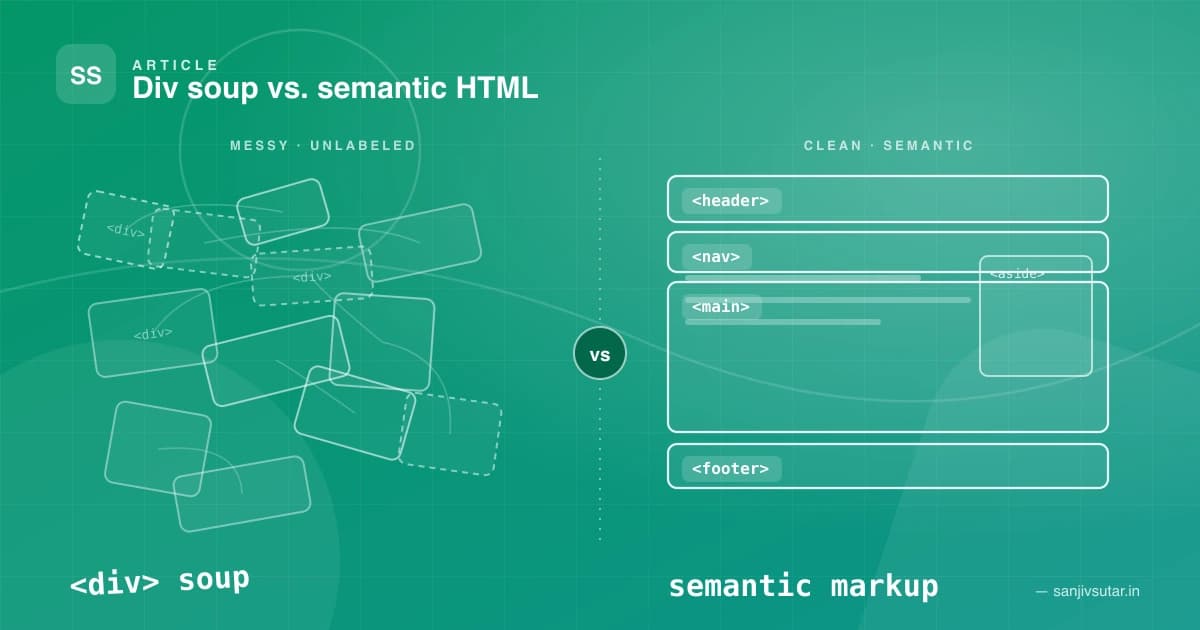
January 18, 2024 · 5 min read · Web Development
The Importance of Semantic HTML: Why Your Divs Are Costing You More Than You Think
Semantic HTML isn't just a 'nice to have' — it's the backbone of accessible, SEO-friendly, and maintainable web applications. Here's why div-soup is quietly hurting your projects, and how a handful of meaningful tags can fix it.
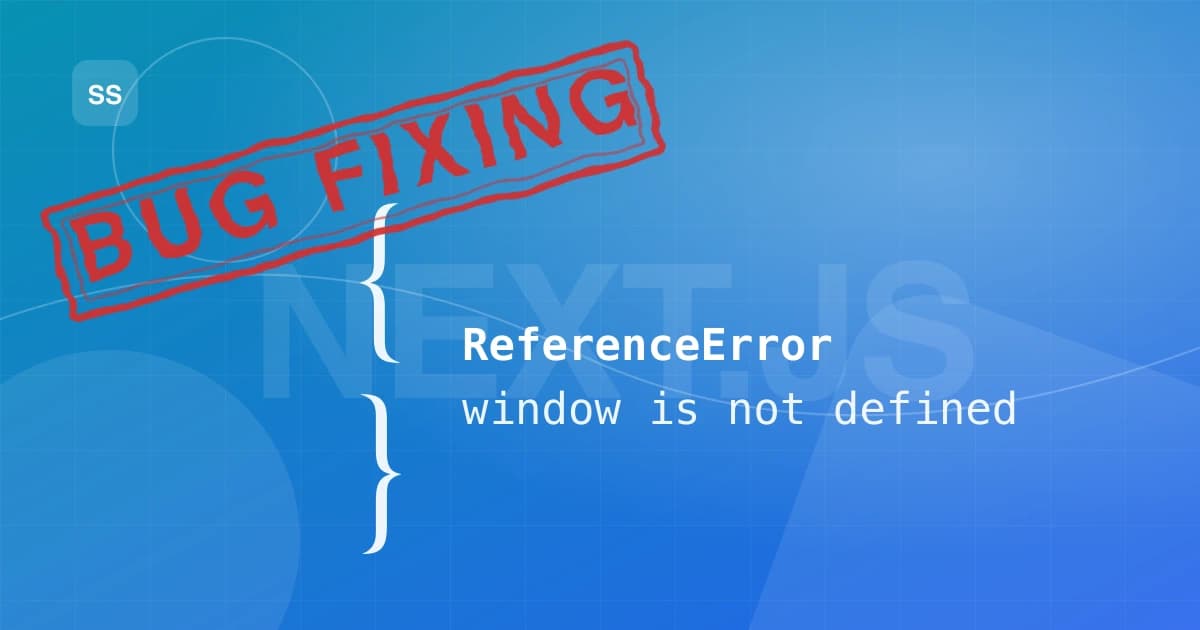
May 5, 2023 · 4 min read
How to Fix the "window is not defined" Error in Next.js 13
Getting "window is not defined" in your Next.js 13 app? Here's why it happens with server-side rendering and four reliable ways to fix it, with code examples.
Platforms I've helped build for










Kind words
Don't just take my word for it
Notes from teammates and client stakeholders I've worked alongside.
Had the pleasure of working closely with Sanjiv, and he is an exceptional leader who seamlessly bridges high-level strategy with deep technical execution.
Sanjiv excels in technical problem-solving—when complex, high-stakes engineering or architectural challenges arise, he is the person you want in the room. He approaches problems analytically, quickly getting to the root cause and devising elegant, scalable solutions.
Beyond his technical acumen, Sanjiv is a standout leader in solution delivery and team management. He has a proven ability to align cross-functional teams, streamline processes, and keep project milestones on track without sacrificing quality. His clear communication, structured approach, and genuine investment in supporting team members make him a trusted partner and a pillar on any team.
I highly recommend Sanjiv to any organization looking for a strong technical strategist and reliable leader who consistently delivers results.

Aman Kumar Sinha(LinkedIn profile, opens in a new tab)
Senior Product Manager at Merkle Sokrati · Oct 2026