How to Fix the "window is not defined" Error in Next.js 13
May 5, 2023 · updated October 6, 2026 · 4 min read

If you've moved a React project into Next.js 13, there's a good chance you've hit this error at least once:
ReferenceError: window is not defined
It's confusing at first, especially if the exact same code worked fine in a plain React app. The good news is that this error is one of the easiest Next.js issues to understand once you know what's actually going on — and there are a few clean ways to fix it depending on your situation.
Why This Error Happens
Next.js isn't just a React framework running in the browser. By default, it renders your pages and components on the server first (server-side rendering, or SSR) before sending HTML to the browser. This is a big part of why Next.js apps load fast and are SEO-friendly.
The problem is that window is a browser-only global object. It doesn't exist in a Node.js server environment, because there's no browser tab, no DOM, and no viewport on the server. The same goes for other browser-only globals like document, navigator, and localStorage.
So when your component code runs on the server and tries to reference window directly — for example, inside the main body of a component, or in a module that runs at import time — Node.js has no idea what window is, and it throws the error.
This commonly shows up when you're:
- Using a third-party library that reads
windowordocumenton load (charting libraries, animation libraries, analytics SDKs) - Reading
window.innerWidthorwindow.locationto calculate layout or routing - Accessing
localStorageorsessionStoragefor saved user preferences - Initializing browser-only APIs like
IntersectionObserverorWebSocket
Solution 1: Check for window Before Using It
The simplest fix is to guard the code with a typeof check, so it only runs when window actually exists:
if (typeof window !== 'undefined') {
  const width = window.innerWidth;
  console.log('Browser width:', width);
}
This works well for one-off checks, but it's not ideal for anything that needs to update the UI, since it doesn't hook into React's rendering lifecycle.
Solution 2: Move the Code Into useEffect
useEffect only runs in the browser after the component has mounted — it never runs during server rendering. This makes it the most natural place for any code that depends on window, document, or other browser APIs.
'use client';

import { useEffect, useState } from 'react';

export default function WindowWidth() {
  const [width, setWidth] = useState(null);

  useEffect(() => {
    // Safe: this only runs in the browser
    setWidth(window.innerWidth);

    const handleResize = () => setWidth(window.innerWidth);
    window.addEventListener('resize', handleResize);

    return () => window.removeEventListener('resize', handleResize);
  }, []);

  return <p>Window width: {width ?? 'Loading...'}</p>;
}
Note the use client directive at the top. In the Next.js 13 App Router, any component using hooks like useState or useEffect needs to be explicitly marked as a Client Component.
Solution 3: Dynamically Import the Component with SSR Disabled
Sometimes the problem isn't your own code — it's a third-party component or library that touches window as soon as it's imported, before you even get a chance to guard it. For these cases, Next.js gives you next/dynamic, which lets you skip server-side rendering for that specific component entirely.
import dynamic from 'next/dynamic';

const Chart = dynamic(() => import('../components/Chart'), {
  ssr: false,
  loading: () => <p>Loading chart...</p>,
});

export default function DashboardPage() {
  return (
    <div>
      <h1>Dashboard</h1>
      <Chart />
    </div>
  );
}
Setting ssr: false tells Next.js to render this component only on the client, skipping it during the server render pass entirely. This is the go-to fix when the error is coming from a library rather than your own logic.
Solution 4: Use Client Components Correctly in the App Router
If you're on Next.js 13's App Router, remember that Server Components are the default. Any file that needs browser APIs should be explicitly opted into client-side rendering:
'use client';

export default function ThemeToggle() {
  const savedTheme = window.localStorage.getItem('theme');
  // ...
}
Adding use client prevents this file from being rendered on the server at all. Keep in mind it still won't help if the browser API is accessed at the top level of the module (outside of a function or hook) — for that, combine this with Solution 2 (useEffect) so the code runs only after mount.
Quick Decision Guide
- Situation: A small check inside existing logic Recommended Fix:
typeof window !== 'undefined'guard - Situation: Reading/writing browser APIs on mount Recommended Fix:
useEffectinside a Client Component - Situation: A third-party component breaks on import Recommended Fix:
next/dynamicwithssr: false - Situation: A component only makes sense in the browser Recommended Fix:
'use client'+useEffect
Wrapping Up
The "window is not defined" error isn't a bug in Next.js — it's a side effect of how server-side rendering works. Once you know that any code referencing browser-only globals needs to run after the component mounts (or be excluded from SSR entirely), the fix is usually just a few lines away. Start with useEffect for your own code, and reach for next/dynamic when a third-party library is the culprit.
Related posts
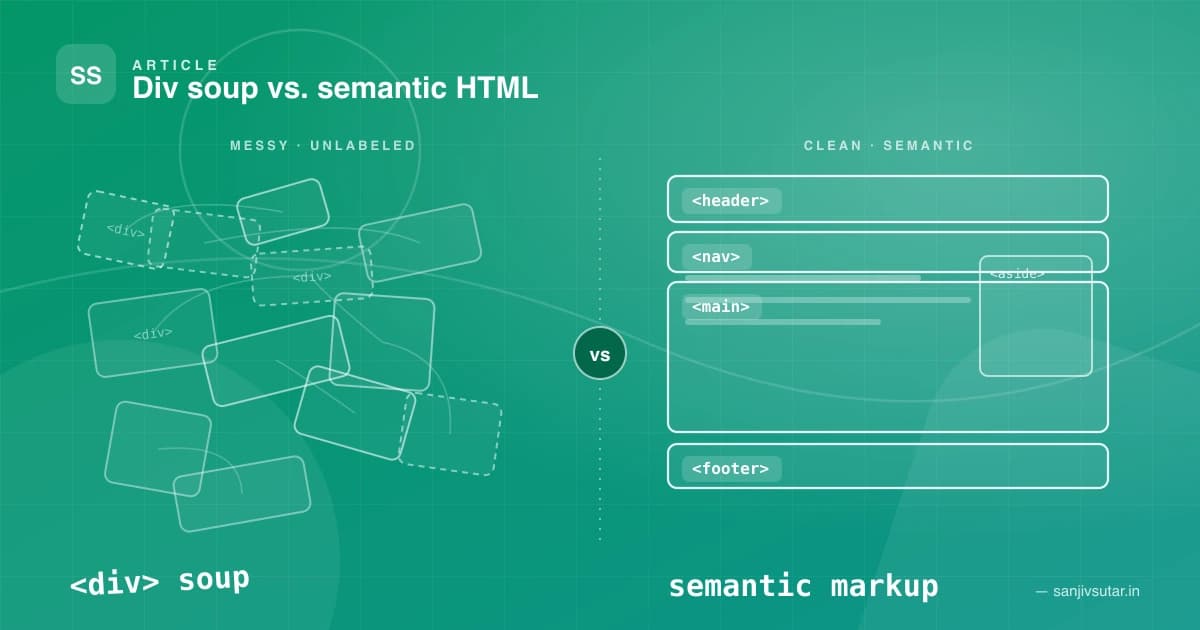
January 18, 2024 · 5 min read · Web Development
The Importance of Semantic HTML: Why Your Divs Are Costing You More Than You Think
Semantic HTML isn't just a 'nice to have' — it's the backbone of accessible, SEO-friendly, and maintainable web applications. Here's why div-soup is quietly hurting your projects, and how a handful of meaningful tags can fix it.

April 27, 2023 · 1 min read · Tutorial
Create a Video player with react-player which supports mp4, Youtube and Vimeo videos with ReactJS
Here’s an example of a video player in React that supports MP4, YouTube, and Vimeo videos. We’ll be using the react-player library to handle playing the videos, and we'll render different components based on the type of video we're playing.
Platforms I've helped build for










Kind words
Don't just take my word for it
Notes from teammates and client stakeholders I've worked alongside.
Had the pleasure of working closely with Sanjiv, and he is an exceptional leader who seamlessly bridges high-level strategy with deep technical execution.
Sanjiv excels in technical problem-solving—when complex, high-stakes engineering or architectural challenges arise, he is the person you want in the room. He approaches problems analytically, quickly getting to the root cause and devising elegant, scalable solutions.
Beyond his technical acumen, Sanjiv is a standout leader in solution delivery and team management. He has a proven ability to align cross-functional teams, streamline processes, and keep project milestones on track without sacrificing quality. His clear communication, structured approach, and genuine investment in supporting team members make him a trusted partner and a pillar on any team.
I highly recommend Sanjiv to any organization looking for a strong technical strategist and reliable leader who consistently delivers results.

Aman Kumar Sinha(LinkedIn profile, opens in a new tab)
Senior Product Manager at Merkle Sokrati · Oct 2026