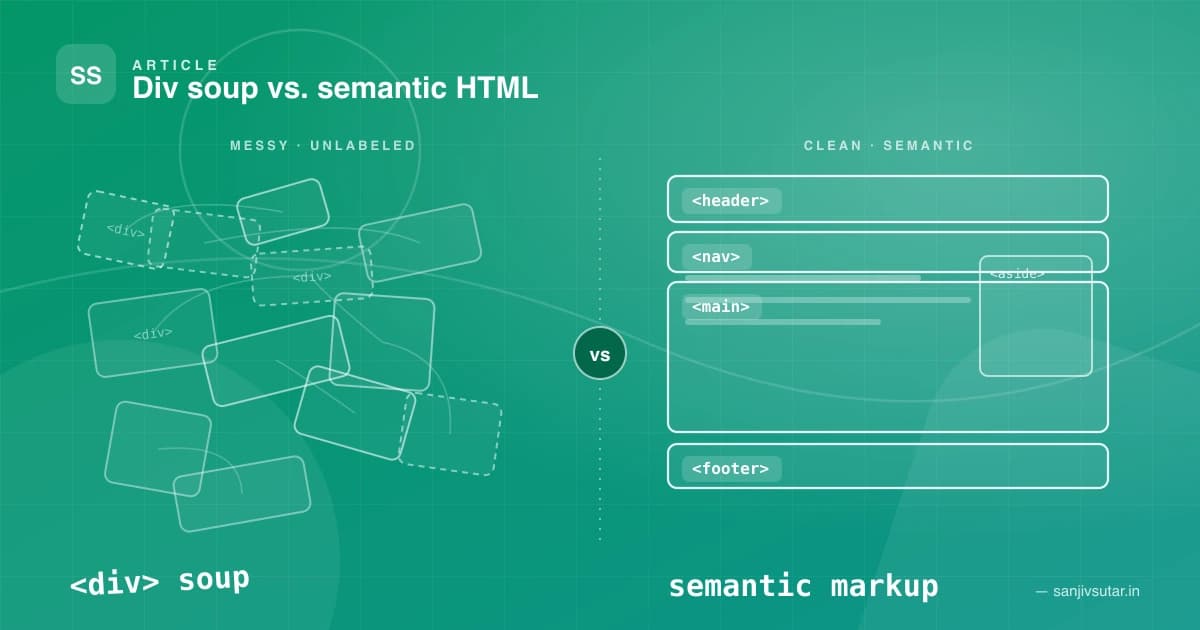
Over the years, I've reviewed a lot of codebases. And one pattern shows up again and again, regardless of the team's skill level or the framework they're using: div-soup. Layouts built almost entirely out of <div> and <span> tags, with no real structure underneath the visual design.
It usually works. The page renders fine, the styles look right, and nobody notices anything wrong — until a screen reader user can't figure out where the navigation is, or a page that should be ranking well on Google quietly underperforms, or a new developer joins the team and has to guess what half the markup actually represents.
That gap between "it looks right" and "it is right" is what pushed me to write this post. Let's talk about semantic HTML — what it actually means, and why it deserves more attention than it usually gets.
What "Semantic" Actually Means
Semantic HTML means choosing tags based on the meaning of the content, not just its appearance. A behaves like a button and tells assistive technology it's a button. A
Here's the same navigation bar written two ways:
<!-- Div-soup version -->
<div class="nav">
  <div class="nav-logo">MyBrand</div>
  <div class="nav-links">
    <div class="nav-link">Home</div>
    <div class="nav-link">About</div>
    <div class="nav-link">Contact</div>
  </div>
</div>
<!-- Semantic version -->
<header>
  <a href="/" class="nav-logo">MyBrand</a>
  <nav aria-label="Main navigation">
    <ul>
      <li><a href="/">Home</a></li>
      <li><a href="/about">About</a></li>
      <li><a href="/contact">Contact</a></li>
    </ul>
  </nav>
</header>
Visually, with the right CSS, these can look identical. Functionally, they're worlds apart.
1. Accessibility: Building for Real Users
Screen readers and other assistive technology rely heavily on the semantic structure of a page to let users navigate efficiently. A screen reader user can jump straight to <nav>, skip to <main>, or list all the <h1>–<h6> headings on a page in seconds — none of that is possible with a wall of unlabeled <div>s.
Consider a simple article layout:
<article>
  <header>
    <h1>Understanding Semantic HTML</h1>
    <p>By Jane Doe · Published <time datetime="2026-09-03">September 3, 2026</time></p>
  </header>

  <section>
    <h2>Why It Matters</h2>
    <p>Semantic tags describe the role of content, not just its style.</p>
  </section>

  <footer>
    <p>Tags: <a href="/tags/html">HTML</a>, <a href="/tags/accessibility">Accessibility</a></p>
  </footer>
</article>
With <article>, <header>, <section>, and <footer> in place, a screen reader can announce "article: Understanding Semantic HTML" and let the user jump directly to sections. Buttons and form controls tell the same story:
<!-- Bad: no semantics, no keyboard support out of the box -->
<div class="btn" onclick="submitForm()">Submit</div>

<!-- Good: native focus, keyboard activation, and role built in -->
<button type="submit">Submit</button>
The <button> element is focusable with Tab, activatable with Enter or Space, and announced correctly by every screen reader — for free. The <div> version needs tabindex, role="button", and manual keyboard event handling just to reach parity, and it's easy to miss an edge case.
2. SEO: Helping Search Engines Understand Context
Search engine crawlers parse HTML structure to figure out what a page is actually about. Semantic tags give them clear signals: <h1> marks the primary topic, <nav> marks navigation (usually deprioritized for content ranking), and <article> marks self-contained, indexable content.
<!-- Weak signal to search engines -->
<div class="title">Top 10 JavaScript Frameworks in 2026</div>
<div class="content">...</div>

<!-- Strong signal to search engines -->
<article>
  <h1>Top 10 JavaScript Frameworks in 2026</h1>
  <p>...</p>
</article>
A well-structured heading hierarchy (<h1> → <h2> → <h3>) also plays a direct role in how crawlers weigh content relevance, and it doubles as a table of contents for people scanning the page. Get the structure right once, and you're improving accessibility and SEO with the same markup.
3. Maintainability: Code That Explains Itself
This is the one developers underestimate the most. Semantic HTML acts as self-documenting code. When you open a file and see <header>, <main>, <aside>, and <footer>, you immediately know the page's structure without reading a single class name.
<!-- Six months later, what is this? -->
<div class="wrapper">
  <div class="top"></div>
  <div class="middle">
    <div class="left"></div>
    <div class="content"></div>
  </div>
  <div class="bottom"></div>
</div>
<!-- Six months later, this is obvious -->
<body>
  <header></header>
  <div class="layout">
    <aside></aside>
    <main></main>
  </div>
  <footer></footer>
</body>
New team members ramp up faster, code reviews get easier, and refactors are less risky because the intent of each block is baked into the tag itself, not buried in a CSS class that might be renamed next sprint.
Common Semantic Tags Worth Using
<header>— Introductory content or navigation for a page or section<nav>— A block of primary navigation links<main>— The dominant, unique content of the page (one per page)<article>— Self-contained content that could stand alone (a post, a card)<section>— A thematic grouping of content, usually with a heading<aside>— Content tangentially related to the main content (sidebars, callouts)<footer>— Closing content for a page or section<figure>/— Media with an associated caption <time>— Machine-readable dates and times
A Simple Rule of Thumb
Before reaching for a <div>, ask: does an element already exist that describes what this content actually is? If you're building navigation, reach for <nav>. If it's a clickable action, reach for <button>. Save <div> and <span> for genuinely generic containers that exist purely for styling or scripting hooks — not for content that has a real role on the page.
Wrapping Up
Semantic HTML doesn't require a framework, a build step, or extra tooling — it's simply a matter of choosing the right tag for the job. The payoff is real: better accessibility for users who rely on assistive technology, stronger SEO signals for search engines, and cleaner, more maintainable code for the developers who come after you (including future you).
Next time you're about to type <div>, pause for a second and ask what that content actually is. That small habit compounds into a much healthier codebase over time.
Related posts

September 24, 2026 · 10 min read · AI-Assisted Dev
Where AI Agents Break on Frontend Work (and Where They Shine)
Agents are brilliant at frontend boilerplate and quietly bad at the parts users actually feel: design-system fidelity, accessibility, missing states and layout. Here's where they shine, where they break, and the guardrails I put around them.
May 5, 2023 · 4 min read
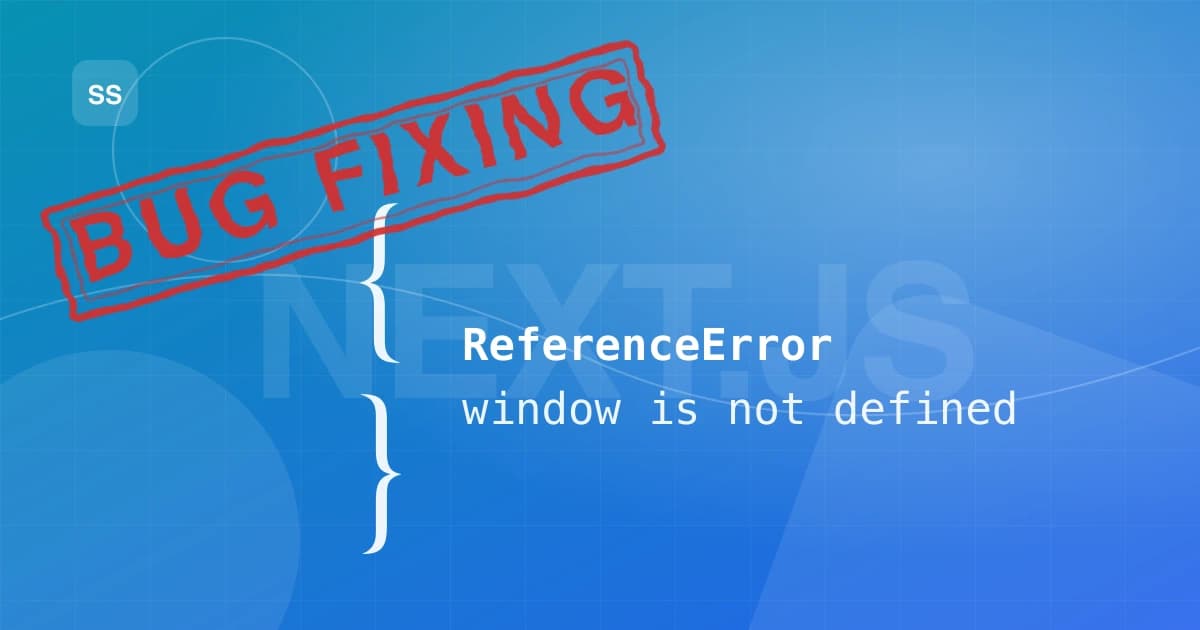
How to Fix the "window is not defined" Error in Next.js 13
Getting "window is not defined" in your Next.js 13 app? Here's why it happens with server-side rendering and four reliable ways to fix it, with code examples.
April 27, 2023 · 1 min read · Tutorial
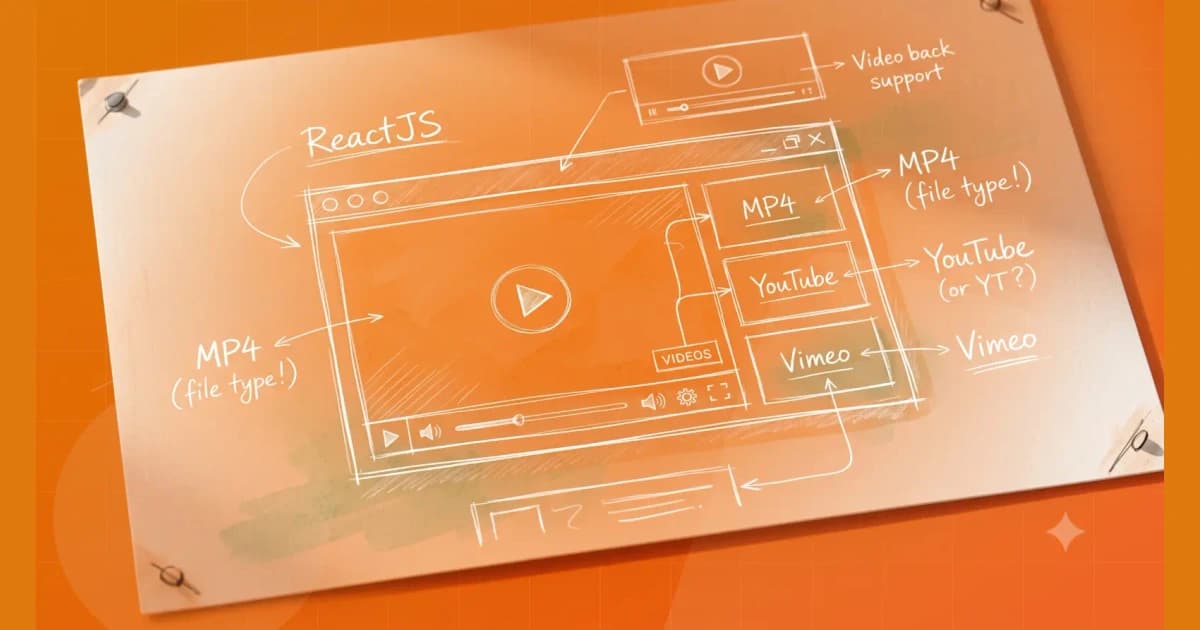
Create a Video player with react-player which supports mp4, Youtube and Vimeo videos with ReactJS
Here’s an example of a video player in React that supports MP4, YouTube, and Vimeo videos. We’ll be using the react-player library to handle playing the videos, and we'll render different components based on the type of video we're playing.
Platforms I've helped build for










Kind words
Don't just take my word for it
Notes from teammates and client stakeholders I've worked alongside.
Had the pleasure of working closely with Sanjiv, and he is an exceptional leader who seamlessly bridges high-level strategy with deep technical execution.
Sanjiv excels in technical problem-solving—when complex, high-stakes engineering or architectural challenges arise, he is the person you want in the room. He approaches problems analytically, quickly getting to the root cause and devising elegant, scalable solutions.
Beyond his technical acumen, Sanjiv is a standout leader in solution delivery and team management. He has a proven ability to align cross-functional teams, streamline processes, and keep project milestones on track without sacrificing quality. His clear communication, structured approach, and genuine investment in supporting team members make him a trusted partner and a pillar on any team.
I highly recommend Sanjiv to any organization looking for a strong technical strategist and reliable leader who consistently delivers results.

Aman Kumar Sinha(LinkedIn profile, opens in a new tab)
Senior Product Manager at Merkle Sokrati · Oct 2026